ManageEngine Network Configuration Manager (NCM) publishes some of its pricing directly and leaves the rest behind a quote form. Here is what we could confirm by checking ManageEngine's own pages and a couple of third-party listing sites, checked 26 September 2026, plus what an open source alternative costs by comparison. Every figure below names its source and the date it was checked, and nothing here is a quote: your own agreement with ManageEngine governs your actual terms.
ManageEngine NCM editions at a glance
ManageEngine sells NCM in three editions. The table below is read directly from ManageEngine's own published edition comparison and free-download pages, checked 26 September 2026.
| Edition | Starting price | Devices at that price | Device ceiling |
|---|---|---|---|
| Free | $0 | 2 | 2 |
| Professional | $595 | 10 | 10,000 |
| Enterprise | $8,395 | 250 | 50,000 |
Source: manageengine.com, NCM edition comparison and free-download pages, checked 26 September 2026. ManageEngine does not publish a price at 50, 1,000, or any other device count beyond these two anchor points, and it says pricing is negotiable outside its standard slabs: "if the total number of devices in your network do not match with the prescribed slabs, you can contact sales@manageengine.com."
Two things are worth separating in that table. The "starting price" figure and the "device ceiling" figure are not the same number: paying $595 buys you Professional for 10 devices, but Professional itself can be licensed up to 10,000 devices at a higher price ManageEngine does not publish. The same split applies to Enterprise, $8,395 for 250 devices against a 50,000-device ceiling. Treat the starting prices as the cheapest way into each edition, not as what a large deployment on that edition actually costs.
What the free edition includes, and its device limit
The free tier is capped at 2 devices, stated plainly on ManageEngine's download page: "Manage 2 Devices for free without any license." That is a hard limit, not a trial. What is notable is how much ManageEngine includes even at that size: its own edition comparison table shows configuration backup, real-time change detection, configuration change notifications with a rollback mechanism, and network compliance management all included on Free, alongside every paid edition. What Free does not include is managing more than 2 devices, 24x5 technical support, and any of the multi-site or distributed configuration management features reserved for Enterprise.
Subscription vs perpetual licensing
ManageEngine's store presents both an "Annual Subscription" and a "Perpetual" purchase option for NCM. We could not retrieve the line-item prices behind either tab, since the store's pricing table loads from a script rather than the page itself, so this post does not quote a subscription or perpetual figure beyond the starting prices above. ManageEngine's store also states that pricing is not limited to the published device slabs: your sales contact can quote the actual device count you need.
NCM as an OpManager add-on, and when that route makes sense
NCM is sold two ways. It is a standalone product, and it is also an add-on licence inside ManageEngine's OpManager monitoring platform, at a 20% discount to the standalone price. ManageEngine's own OpManager NCM add-on page frames it as bridging network performance and configuration data in one console: "The NCM add-on bridges the gap between network performance and configuration management, making it easy for admins to collect, correlate and analyze data to improve the overall network performance." Enabling it is described as a licensing step, applying an NCM add-on licence to an existing OpManager instance, rather than a separate installation.
The add-on route makes sense if you are already running OpManager for monitoring and want configuration management bolted on at a discount, rather than licensing and running two separate standalone products. It makes less sense if OpManager is not part of your stack: the 20% discount is only measured against NCM's own standalone price, not against the cost of adopting OpManager itself, so it is not a shortcut to configuration management if monitoring was never on your list.
What third parties report
Two listing sites give a different starting figure to ManageEngine's own page. SoftwareAdvice lists NCM Professional at $238.00 flat rate per year and Enterprise at $3,358.00 flat rate per year, with no device count stated. GetApp lists the same two figures, $238 and $3,358 per year. Both were checked 26 September 2026. These are listing-site figures, not a ManageEngine quote, and neither site states what device count they apply to, so they are not directly comparable to the $595 (10 devices) and $8,395 (250 devices) starting prices ManageEngine publishes itself. Where a listing and ManageEngine's own page disagree, ManageEngine's own page is the one to ask about for a current quote.
What drives cost as you scale
Three things move the number as your network grows. First, device count: ManageEngine's own examples price by slab, from 10 devices at Professional up to 250 at Enterprise, with ceilings of 10,000 and 50,000 devices respectively, and it will quote outside those slabs on request. Second, distributed deployment: multi-site configuration management, with automatic data sync between probes into a central server and smart upgrades pushed to every probe, is an Enterprise-only set of capabilities, so a distributed, multi-site estate pushes you into the top edition regardless of raw device count. Third, support: 24x5 technical support is included from Professional upward, per ManageEngine's own comparison table, but is not part of the Free edition, so a two-device evaluation has no formal support channel behind it.
None of this is unusual for a commercial NCM product. It is the same shape SolarWinds NCM and other named-edition tools use: a published entry price that buys a small slice of the network, a device-based ladder above it, and a top edition reserved for the features (support, distributed collection, custom quoting) that only start to matter once you are past a few hundred devices.
An open source alternative: rConfig Core
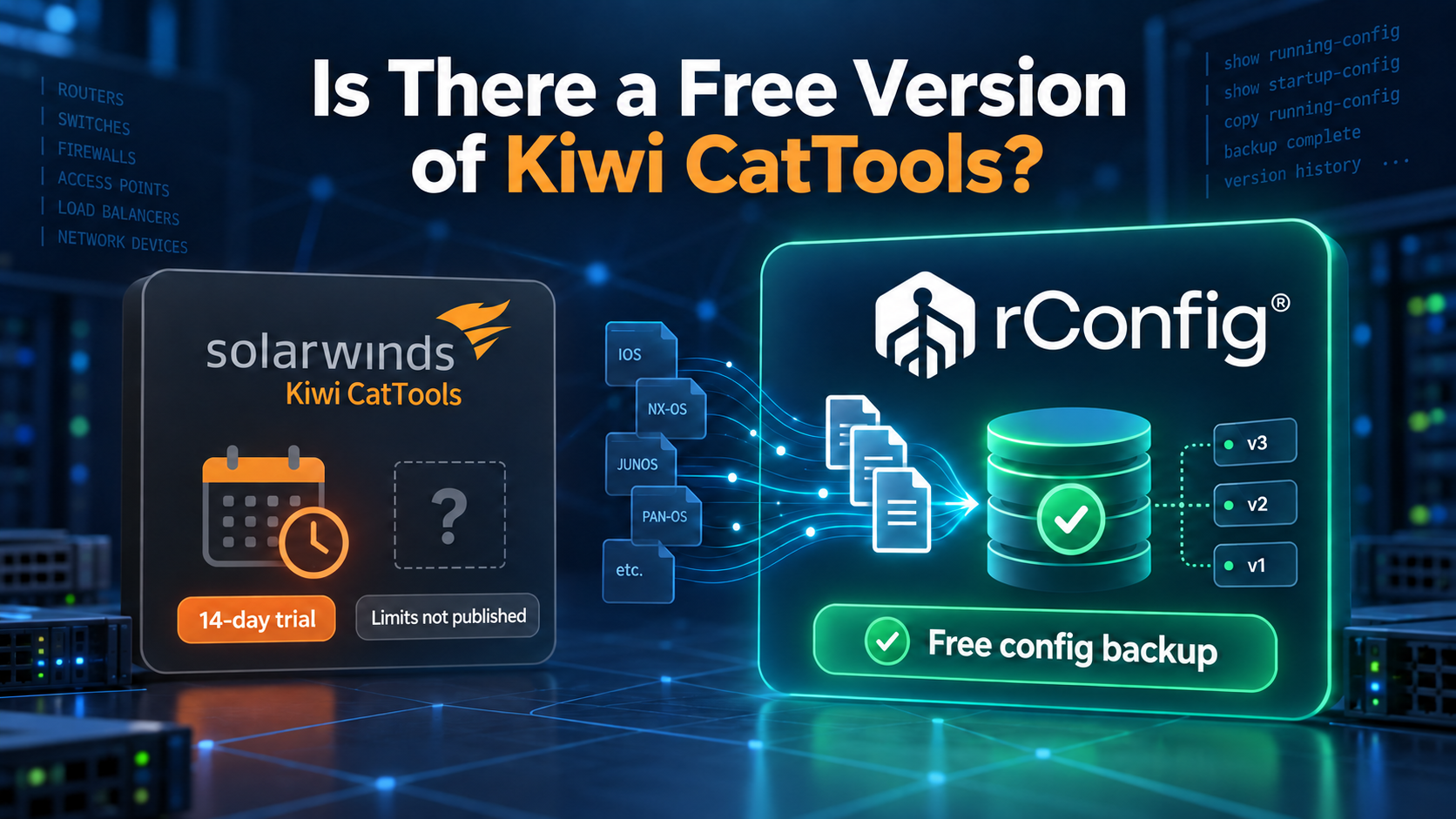
If the device cap on ManageEngine's free tier is the sticking point, rConfig Core is worth a look. It is open source, published on GitHub, free to self-host, and carries no device limit at all, so a two-device test and a two-thousand-device rollout cost the same: nothing. Core covers scheduled configuration backups, version history, change diffing and templating, the everyday jobs most teams need first.
When you need more than Core covers, rConfig's paid editions are a flat annual price by device band rather than a per-device meter. Starter is 2,999 USD a year, flat, for up to 300 devices, and adds restore from a prior configuration, role-based access control and directory sign-in. Standard is 4,799 USD a year, flat, for up to 1,000 devices, and adds scheduled compliance checks, audit-ready reports and AI-assisted change narration. Enterprise is custom pricing beyond 1,000 devices, and adds distributed, multi-site collection and central management, the same shape of capability ManageEngine reserves for its own top edition. Current figures for every edition, in your currency, are on the rConfig pricing page. See our full ManageEngine Network Configuration Manager alternative comparison for how the two products stack up feature by feature.
Download rConfig Core, free and open source, or see the full rConfig pricing for every edition.
Pricing verified 26 September 2026. ManageEngine prices change, check the vendor for current figures.
FAQ
Does ManageEngine NCM have a free version?
Yes. It is capped at 2 devices, confirmed on ManageEngine's own download page, and that limit does not lift on its own; managing a third device means moving to a paid edition. rConfig Core is also free, and has no device limit at all, so it stays usable well past a two-device evaluation.
Is ManageEngine NCM sold as a subscription or a perpetual licence?
Both. ManageEngine's store offers an annual subscription option and a perpetual licence option side by side; we could not retrieve the specific prices behind either, since that pricing table is rendered from a script rather than published in the page itself, so ask ManageEngine directly for a like-for-like quote on both.
What does rConfig cost compared to ManageEngine NCM?
rConfig Core is free with no device cap. Starter is 2,999 USD a year for up to 300 devices, Standard is 4,799 USD a year for up to 1,000 devices, both flat rate rather than metered per device, and Enterprise is custom pricing beyond that. See the rConfig pricing page for current figures in your currency.